
Advanced QR Code Generator – Create Custom QR Codes Online Free

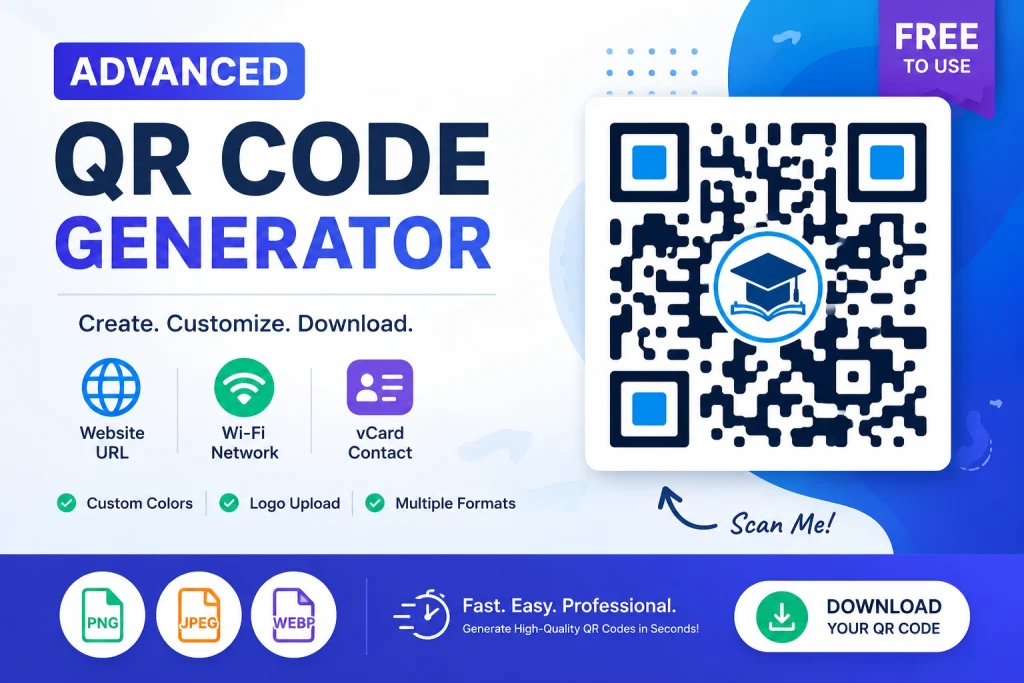
Looking for a powerful and easy-to-use QR Code Generator? Our Advanced QR Code Generator – Create Custom QR Codes Online Free Tool allows you to create high-quality QR codes for websites, Wi-Fi networks, and contact information (vCard) completely free. You can customize colors, add your logo and download the QR code in multiple formats such as PNG, JPEG and WebP. Whether you’re a business owner, student, marketer, or website administrator, this tool helps you create professional QR codes quickly and efficiently.
Key Features
???? Website URL QR Codes
Convert any website link into a scannable QR code. Simply enter the URL, customize the design, and generate your QR code instantly.
???? Wi-Fi QR Codes
Share your Wi-Fi network without typing long passwords. Visitors can connect instantly by scanning the QR code.
???? Contact (vCard) QR Codes
Create digital business cards that store:
- Full Name
- Address
- Phone Number
- Email Address
- Website URL
Users can save your contact information directly to their devices with a single scan.
???? Custom Color Options
Personalize your QR codes by selecting:
- Foreground (Dot) Color
- Background Color
Match your QR code with your brand identity or website theme.
????️ Logo Upload Support
Add your company logo, school logo, or personal branding image in the center of the QR code for a professional appearance.
???? Multiple Download Formats
Download generated QR codes in:
- PNG
- JPEG
- WebP
This makes the QR code suitable for websites, social media, print materials, posters, flyers, and business cards.
???? Mobile-Friendly Design
The tool works smoothly on:
- Desktop Computers
- Laptops
- Tablets
- Smartphones

How to Use the QR Generator
For Website QR Codes
- Select “Website URL”.
- Enter your website link.
- Choose colors if desired.
- Upload a logo (optional).
- Click “Generate QR Code”.
- Download the QR code.
For Wi-Fi QR Codes
- Select “Wi-Fi Network”.
- Enter the Wi-Fi name (SSID).
- Enter the password.
- Generate the QR code.
- Share it with guests for instant access.
For Contact QR Codes
- Select “Contact (vCard)”.
- Fill in your contact details.
- Generate the QR code.
- Share it digitally or print it on business cards.
Start Generating QR Codes Today
Create professional, customized QR codes in just a few clicks. Whether you need a website QR code, Wi-Fi QR code or digital business card, our Advanced QR Generator provides everything you need in one easy-to-use tool.

Advanced QR Generator
Benefits of Using QR Codes
Easy Information Sharing
QR codes eliminate manual typing and reduce errors.
Faster Customer Engagement
Users can instantly access websites, contact details, or Wi-Fi networks.
Professional Branding
Custom colors and logo integration help strengthen brand recognition.
Marketing and Promotions
Use QR codes on:
- Posters
- Flyers
- Brochures
- Product Packaging
- Business Cards
- Social Media Posts
Why Use Our Advanced QR Generator?
✅ Completely Free
✅ No Registration Required
✅ Fast QR Code Generation
✅ Logo Support
✅ Multiple QR Types
✅ Mobile Friendly
✅ High-Quality Downloads
✅ Secure and Easy to Use
Frequently Asked Questions (FAQs)
Is this QR Generator free?
Yes, the tool is completely free to use.
Can I add my logo to the QR code?
Yes. You can upload a logo image and place it in the center of the QR code.
Which download formats are supported?
PNG, JPEG, and WebP.
Can I create Wi-Fi QR codes?
Yes. The tool supports Wi-Fi QR code generation.
Can I create contact QR codes?
Yes. You can generate vCard QR codes containing contact information.
Will the QR codes work on mobile devices?
Yes. The generated QR codes can be scanned using most smartphone camera apps.
Try Our Others Tools????
SIP Calculator – Calculate Mutual Fund SIP Returns Online

SEE GPA Calculator – Free Online Tool

BLE GPA Calculator – Free Online Tool

Latest Post????️
Let’s read our latest post and stay updates with us.
- Free Image Compressor – Compress JPG PNG & WEBP Online
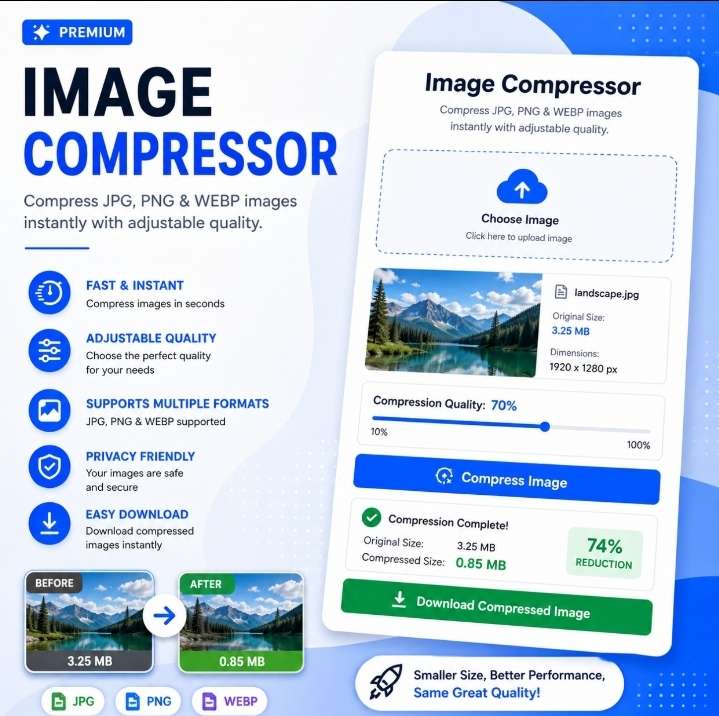 Free Image Compressor Online – Compress JPG PNG & WEBP
- PDF Merger Ultra Pro – Merge PDF Files Online
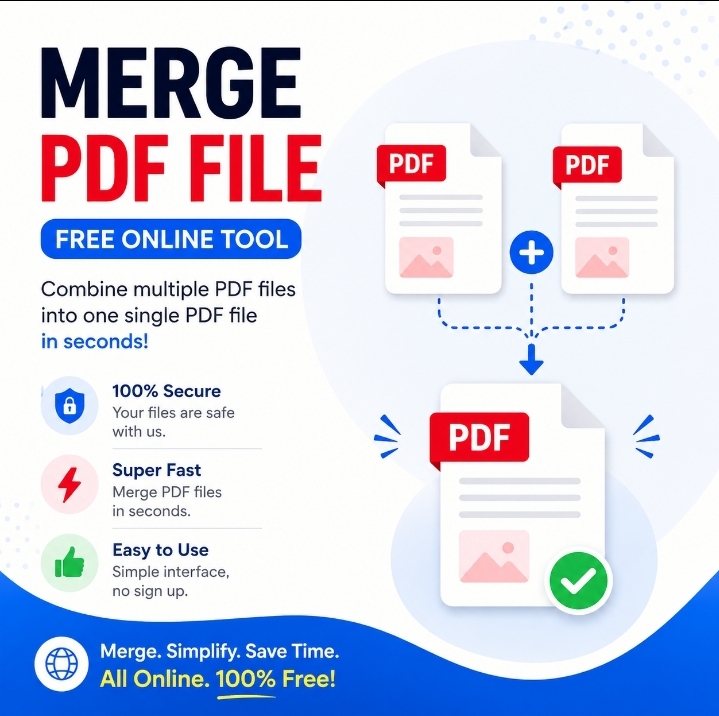 PDF Merger Ultra Pro – Merge PDF Files Online PDF files are widely used in school, office, and daily work. Sometimes we need to combine multiple PDF files into one single document. To solve this problem, we created PDF Merger Ultra Pro – Merge PDF Files Online, a free online tool that lets you merge… Read more: PDF Merger Ultra Pro – Merge PDF Files Online
- Image to WebP Converter – ToolHub Nepal
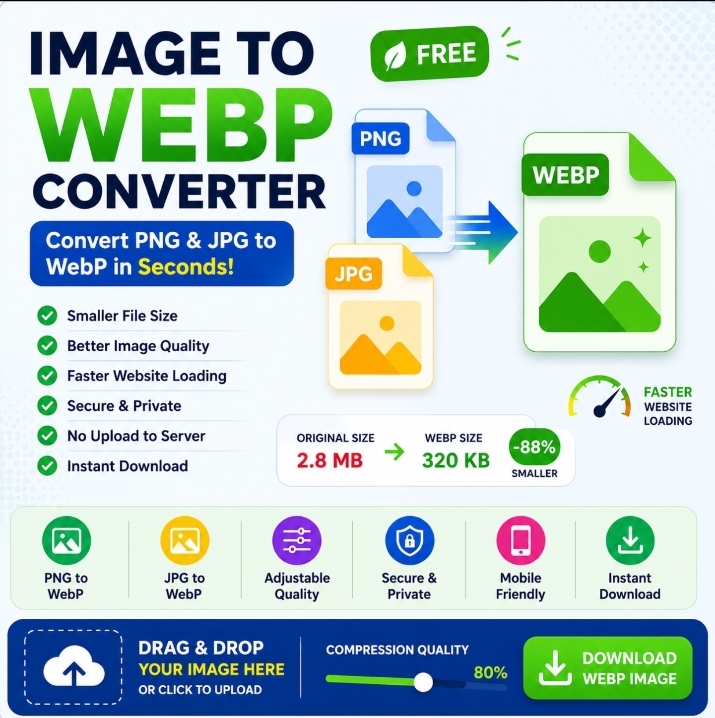 Image to WebP Converter – ToolHub Nepal Transform your JPG, JPEG, PNG, BMP, GIF, TIFF and other image formats into the modern WebP format in just a few clicks. Image to WebP Converter – ToolHub Nepal works directly in your browser, allowing you to convert images quickly without installing software or creating an account. Image… Read more: Image to WebP Converter – ToolHub Nepal
- Secure Password Generator – Free Online Security Tool
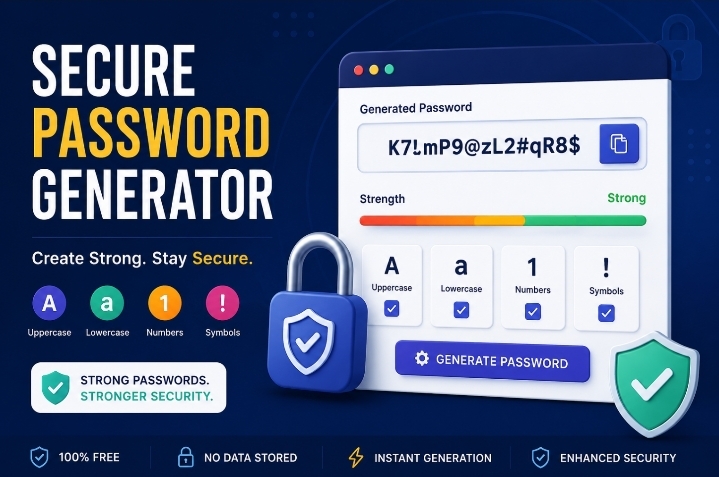 Secure Password Generator – Free Online Security Tool In today’s digital world, protecting your online accounts is more important than ever. Weak passwords are one of the leading causes of account hacking, identity theft, and data breaches. Our Secure Password Generator – Free Online Security Tool helps you create strong, random and highly secure passwords… Read more: Secure Password Generator – Free Online Security Tool
- Advanced QR Code Generator – Create Custom QR Codes Online Free
 Advanced QR Code Generator – Create Custom QR Codes Online Free Looking for a powerful and easy-to-use QR Code Generator? Our Advanced QR Code Generator – Create Custom QR Codes Online Free Tool allows you to create high-quality QR codes for websites, Wi-Fi networks, and contact information (vCard) completely free. You can customize colors, add… Read more: Advanced QR Code Generator – Create Custom QR Codes Online Free