
PDF Merger Ultra Pro – Merge PDF Files Online

PDF files are widely used in school, office, and daily work. Sometimes we need to combine multiple PDF files into one single document. To solve this problem, we created PDF Merger Ultra Pro – Merge PDF Files Online, a free online tool that lets you merge multiple PDF files directly in your browser.
ToolHub Nepal
Free Online PDF Tools
PDF Merger Pro
Merge multiple PDF files into one document quickly and securely.
Upload PDF Documents
Click button or drag & drop PDF files here
Files are processed in your browserSelected Files
How to Use PDF Merger Ultra Pro
Using this tool is very simple. Just follow these steps:
- Click on the upload box or drag & drop your PDF files
- Select multiple PDF documents
- Check the file list shown below
- Click on Merge PDFs button
- Wait a few seconds
- Download your merged PDF file
That’s it — your files are now combined.

Why Use This Tool?
There are many online PDF tools but most of them upload your files to their servers.
This tool is different because:
- Your files never leave your device
- Everything runs locally in the browser
- It is completely free
- No login or registration required
- Works anytime, anywhere
Best Use Cases
This tool is useful for:
- Students combining notes or assignments
- Teachers preparing worksheets
- Office employees managing reports
- Government form submissions
- Personal document organization

Privacy First
We care about your privacy.
This tool uses browser-based technology (pdf-lib), so:
- No file is uploaded
- No data is stored
- Everything is processed locally
PDF Merger Ultra Pro is designed to make your work easier. It is fast, simple and secure. If you regularly work with PDF files, this tool will save you time and effort every day. Scroll up and use the tool to merge your PDF files instantly.
Latest Post
- Free Image Compressor – Compress JPG PNG & WEBP Online
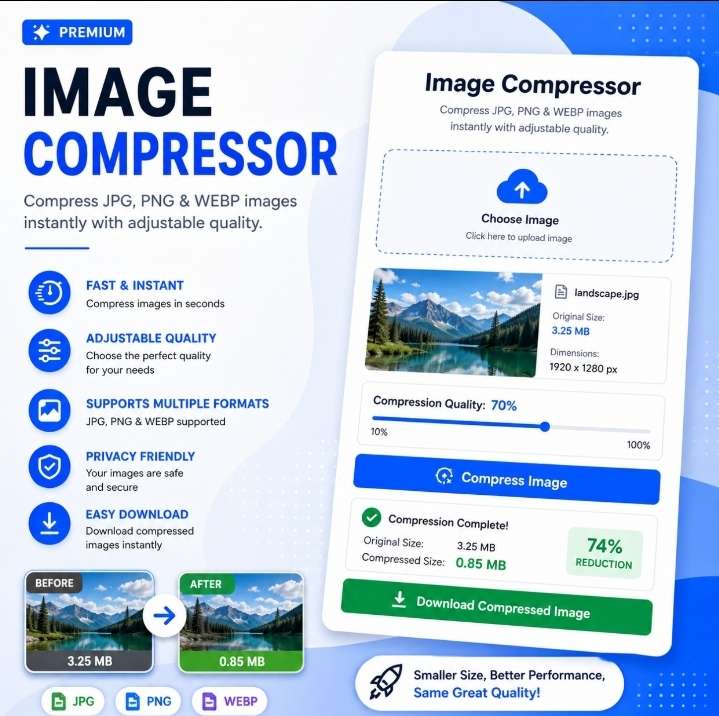 Free Image Compressor Online – Compress JPG PNG & WEBP
- PDF Merger Ultra Pro – Merge PDF Files Online
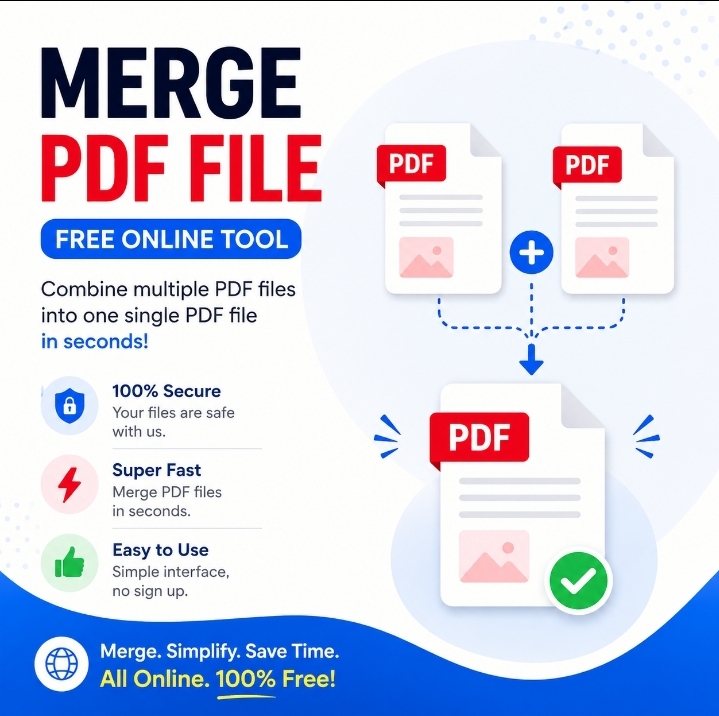 PDF Merger Ultra Pro – Merge PDF Files Online PDF files are widely used in school, office, and daily work. Sometimes we need to combine multiple PDF files into one single document. To solve this problem, we created PDF Merger Ultra Pro – Merge PDF Files Online, a free online tool that lets you merge… Read more: PDF Merger Ultra Pro – Merge PDF Files Online
- Image to WebP Converter – ToolHub Nepal
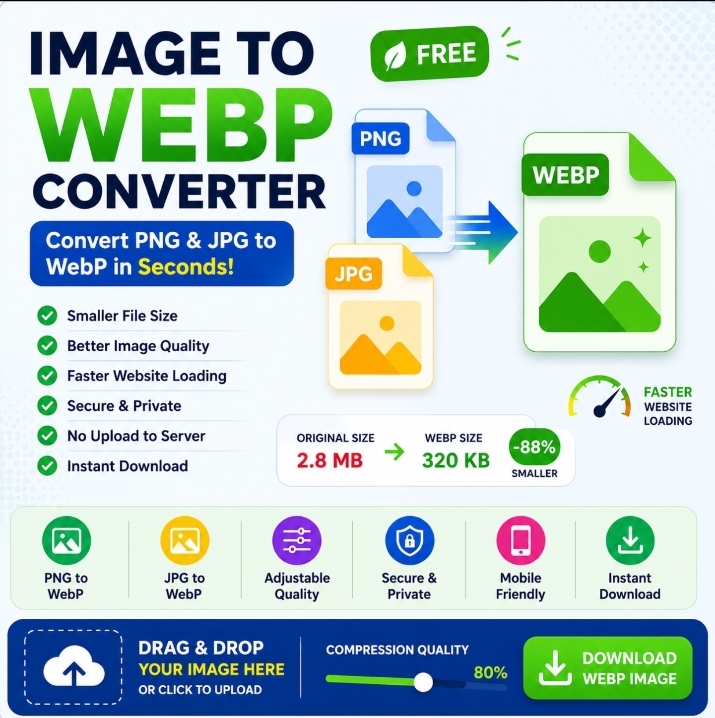 Image to WebP Converter – ToolHub Nepal Transform your JPG, JPEG, PNG, BMP, GIF, TIFF and other image formats into the modern WebP format in just a few clicks. Image to WebP Converter – ToolHub Nepal works directly in your browser, allowing you to convert images quickly without installing software or creating an account. Image… Read more: Image to WebP Converter – ToolHub Nepal
- Secure Password Generator – Free Online Security Tool
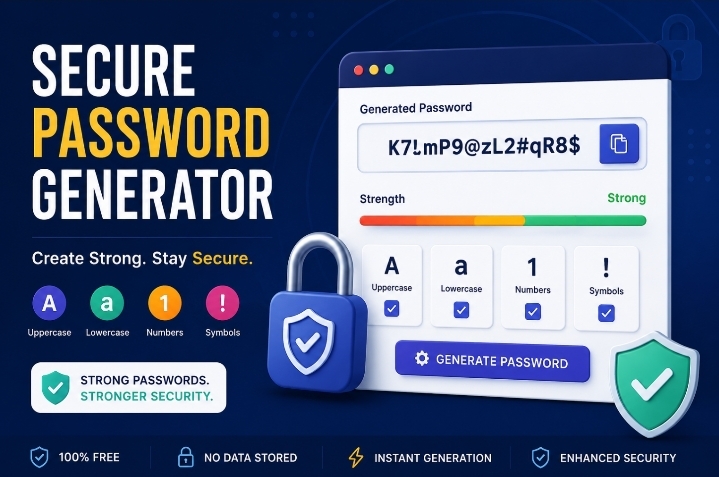 Secure Password Generator – Free Online Security Tool In today’s digital world, protecting your online accounts is more important than ever. Weak passwords are one of the leading causes of account hacking, identity theft, and data breaches. Our Secure Password Generator – Free Online Security Tool helps you create strong, random and highly secure passwords… Read more: Secure Password Generator – Free Online Security Tool
- Advanced QR Code Generator – Create Custom QR Codes Online Free
 Advanced QR Code Generator – Create Custom QR Codes Online Free Looking for a powerful and easy-to-use QR Code Generator? Our Advanced QR Code Generator – Create Custom QR Codes Online Free Tool allows you to create high-quality QR codes for websites, Wi-Fi networks, and contact information (vCard) completely free. You can customize colors, add… Read more: Advanced QR Code Generator – Create Custom QR Codes Online Free